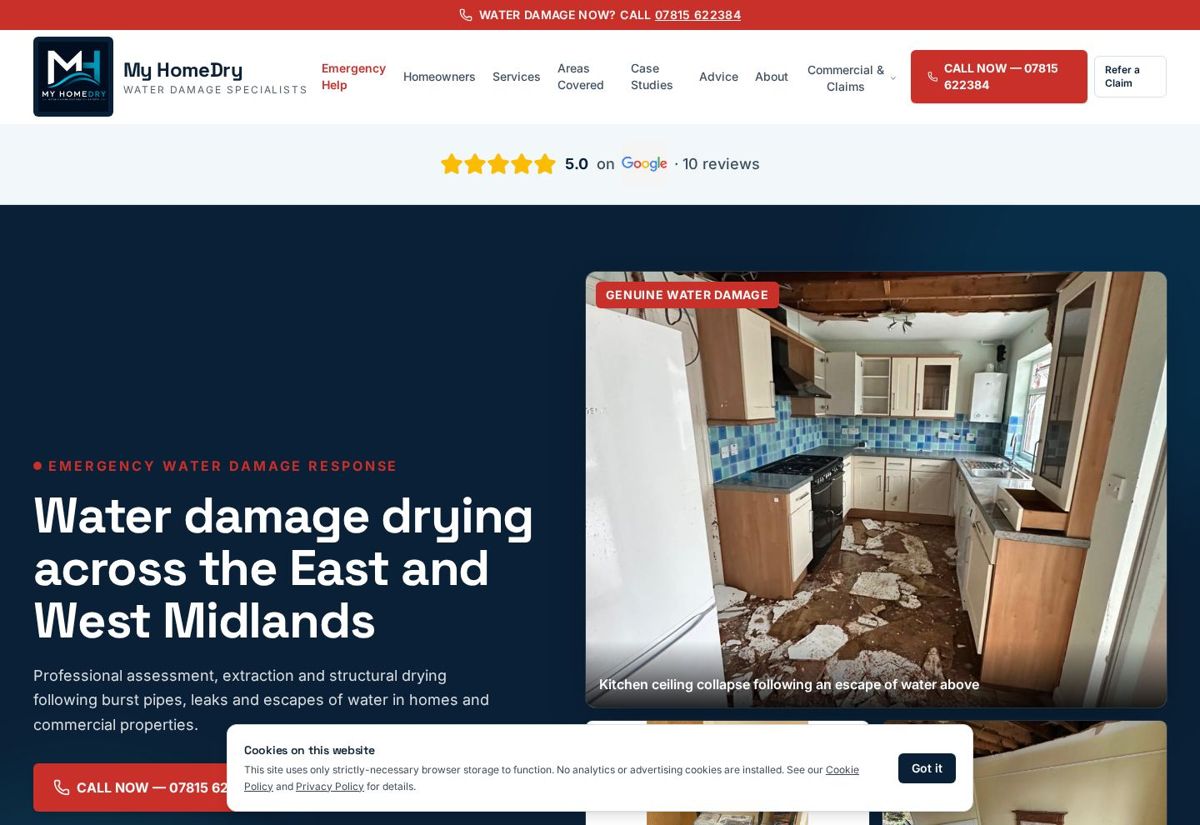
My HomeDry
Restructuring beats redecorating
The lesson worth borrowing here is architectural: separating blended services into distinct problem-led pages is usually what earns the search visibility, not a new colour palette.
Read the case study
Your vision.
Built for your venture.
Website redesign
Most businesses that come to us don't need a website. They've got one. The problem is that it still describes the company they were five years ago — smaller, doing different work, aiming lower.
The real gap
You've taken on bigger jobs, added services, hired people, raised your standards and possibly changed who you want to attract. The website records none of it. It reflects the size you were, the work you used to take, the branding you've since improved and the customers you've moved beyond.
The commercial cost is quiet and constant. People who found you through search compare you with firms who look bigger. People who were recommended arrive, hesitate, and ring round anyway. You end up justifying prices that the website has already undersold.
A redesign is about closing the gap between how good the business is and how good it looks.
Recognise any of these?
Protect first
The most expensive mistake in a redesign isn't design taste — it's deleting years of Google history on launch day. Before we plan a single new page, we work out what the current site has earned.
Every indexed page, listed. You can't redirect what you haven't inventoried.
Which pages are actually earning impressions and clicks — often not the ones you'd expect.
Pages other sites link to. Delete those URLs without redirecting and you throw away the value.
Queries, coverage, indexing issues and manual problems, before anything changes.
What's already working in titles and descriptions, so improvements are deliberate.
Long-standing pages, guides and service copy that carry weight even if they look dated.
How the current site distributes authority, so the new structure doesn't strand pages.
Every old URL matched to its closest new equivalent, in a spreadsheet you get a copy of.
Permanent redirects for everything that moves, one hop, no chains, no lazy blanket redirect to the homepage.
Pages that earn stay — improved rather than deleted, keeping the URL where that's the sensible call.
A structure built around services and search intent, so pages stop competing with each other.
Crawl checks, Search Console monitoring, redirect testing and fixes in the weeks after go-live.
When not to rebuild
We'd rather do £600 of useful work and keep your trust than sell you a £3,000 rebuild you didn't need.
If a rebuild genuinely is cheaper over two years — usually when the platform fights every change — we'll show you the maths rather than just assert it.
The process
What you have, what it earns, what's broken, what's worth protecting.
The new page structure, the URL map, and an honest scope.
Redirect strategy agreed before a single new page is designed.
The look, the tone and the journey from landing to enquiry.
Fast, responsive pages, with search foundations built in.
Content moved, redirects in place, technical details lined up.
Forms, links, redirects, speed, mobile, accessibility basics.
Domain and DNS handled carefully, with the old site kept as a fallback.
Search Console and analytics watched properly for the first weeks, not glanced at once.
Relevant work
These aren't all migrations, and we won't label them as such. They're projects where the structural decisions are the ones a redesign turns on.
My HomeDry
The lesson worth borrowing here is architectural: separating blended services into distinct problem-led pages is usually what earns the search visibility, not a new colour palette.
Read the case study
Learning Loft
If your current site makes every enquiry start from zero, structure is the fix — pages built around the questions people keep asking before they commit.
Read the case study
Royal Blinds
For product-led home improvement, how the range is presented directly affects whether a browsing visitor asks for a measure and quote.
Read the case studyPricing
A five-page site being brought up to date usually fits Launch (£1,000). A proper restructure with service pages and a migration normally lands in Growth (£3,000). Larger sites with substantial content, multiple locations or complex redirect work sit at Scale (£5,000), and anything genuinely unusual is quoted as Custom.
The audit is what tells us which. It's the first thing we do, and we'll give you the answer before you commit to the build.
Redesign questions
Planning the search side properly matters: see SEO during a redesign and website migration SEO. If the site is sound and only underperforming, our growth & conversion service is usually the cheaper answer. Still weighing it up? Compare a redesign against a complete rebuild, check whether you need a new website at all, or read what to do if a site lost rankings after a redesign. Want search to improve alongside the rebuild? See local SEO.
Before you change anything
A redesign's biggest risk isn't the design — it's quietly losing traffic and enquiries the old site was producing.
What to record and protect before anything changes.
Moving platform, domain or URL structure without losing what you had.
The pre-go-live checks worth doing twice.
Record a baseline before launch, or you'll never know if it worked.
Next step
Tell us what your business does and what you need the website to achieve. We'll come back to you personally with honest thoughts — and a clear proposal if it's a good fit.